Let me tell you something most people won’t admit: the first time I saw Power Automate, I had no idea what to do with it then I asked copilot to explain and its said its all start with Tigger and Flow
I mean, sure—I’d heard of workflows, automation, connectors, and triggers. But until I actually tried the “Get started with Power Automate flows” module, it all felt like tech-speak floating in the cloud.
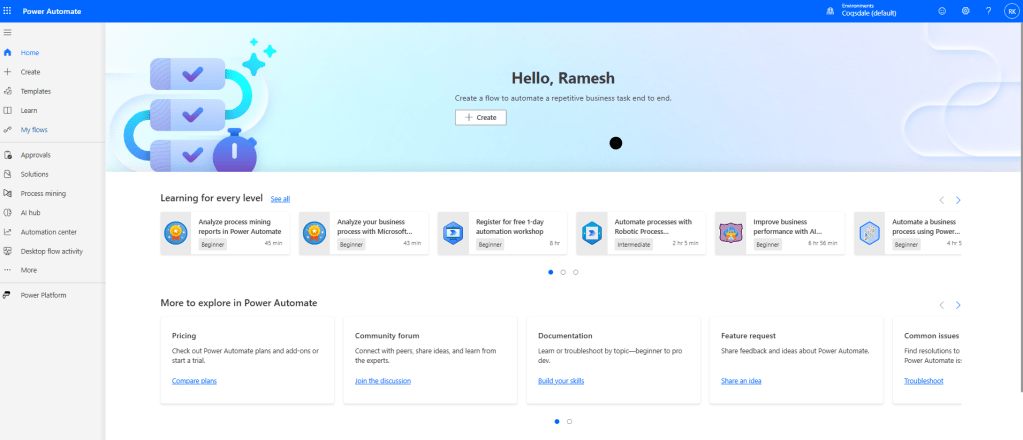
But then came that moment. You know the one. The moment when you click + Create, choose a flow type, and suddenly the possibilities become very real.
The module does a great job walking you through the basics. I particularly liked how it broke down:
- The difference between automated, instant, scheduled, and business process flows
- How triggers are the entry point of your logic
- And how actions become your digital taskforce behind the scenes
I remember thinking, “What if I could build a flow that automatically sends a Teams message every time a Dynamics 365 Sales opportunity is updated?” Turns out, I could. And more.
You don’t need to be a developer. That’s what makes it so powerful. With just a few clicks, I created a flow that:
- Monitors SharePoint for new files
- Sends an approval request to my Outlook
- Posts a summary to Teams
Three systems, one workflow, zero manual follow-up.
What really stuck with me from the module was this quote:
“Every flow begins with a trigger. That trigger sets everything in motion.”
It’s not just a lesson about Power Automate. It’s a metaphor for any change. In business, in careers, in life—you just need that first trigger to kick things off.
So if you’ve been curious about automation, this module is a great way to begin. It’s beginner-friendly, practical, and the best part? You can walk away with something you can actually use.
As we walk through the journey I will put some interesting workflows which will help understand Power automate.
 Dynamics Decoded
Leave a comment